
Online Audience Add-ons & Free Gifts 🎁
Frequently Asked Questions
Auto Playlist (2 Sample Tracks)
+This is an example of a simple playlist generated automatically by using two local tracks. It allows you to create an AutoDJ, it is to show playlist and AutoDJ features and learning purposes. Do not upload your mp3 files into this playlist, they will be deleted if you save the AutoDJ with the Auto playlist active option as it is just an example playlist. Create your own playlists instead.
Shoutcast v2.6 Limitations
+The free version of Shoutcast v2.6 is limited to 128kbps MP3 encoder only. Using AAC encoder or higher bitrate than 128kbps on ShoutCast v2.6 will result in sound cuts, affecting both AutoDJ and Live Stream. If you have a premium service from the Shoutcast company, add your User ID and License ID on the SonicPanel for AAC stream or prefer ShoutCast v2.5.
AutoDJ Interruption Settings
+AutoDJ interruption option changes the behavior of "scheduled playlists", "play on stream now button" on the playlist manager page, and "change playlist (on air)" features. If the interruption setting is enabled, the AutoDJ will not wait for the currently playing song to end (which is default on SonicPanel) and it will fade the playing song immediately to play the scheduled playlist or other actions.
If the interruption setting is disabled, the AutoDJ will wait for the current playing song to end and then it will play the scheduled playlists or other actions.
To change the AutoDJ Interruption Settings, use the AutoDJ Interruption Settings link on your SonicPanel left menu.
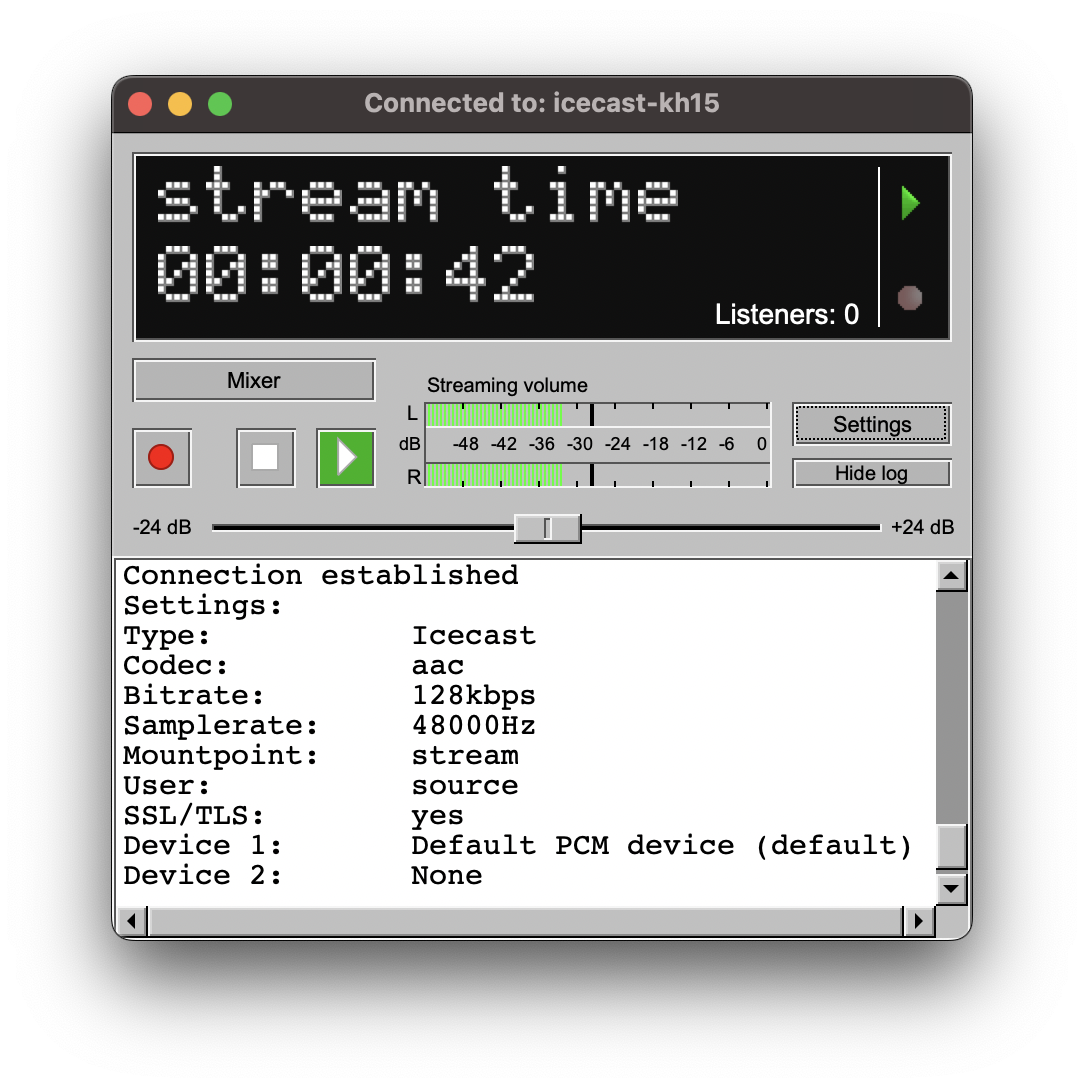
Q1: What is BUTT Broadcaster?
+BUTT is a free, open-source tool designed for streaming live audio to Shoutcast or Icecast servers.
Q2: On which platforms does BUTT operate?
+BUTT is compatible with Windows, macOS, and Linux operating systems.
Q3: What audio input options are available with BUTT?
+You can utilize a microphone, line-in connection, or any virtual audio device as your audio source.
Q4: How can I establish a connection between BUTT and a streaming server?
+Simply enter the server's IP address, port number, and password within the settings panel, then click the "Connect" button.
Q5: Does BUTT offer the capability to record my broadcasts?
+Absolutely! BUTT allows you to record your audio streams in either MP3 or WAV format.
Q6: Is it possible to stream to multiple servers simultaneously using BUTT?
+Direct streaming to multiple servers isn't a built-in feature. Consider using server relays or other external software for this purpose.
Q7: Are there any costs associated with using BUTT?
+BUTT is free and open-source software, meaning there are no costs associated with using it.
Q8: Which audio formats are supported for streaming?
+BUTT supports streaming in both MP3 and Ogg Vorbis formats, depending on your specific configuration.
Q9: How can I monitor the volume levels of my audio input?
+BUTT provides a real-time audio level meter directly within its user interface for easy monitoring.
Q10: I'm encountering issues connecting to my server. What steps should I take?
+Double-check the server's IP address, port number, and password for accuracy. Additionally, ensure that your firewall is not blocking BUTT's connection.

Get Your Radio on Alexa
Make your radio accessible on Alexa with a simple command: "Hey Alexa, play [Radio Name]". One-off fee of £40.
Order Now
Get Your Radio Station an App
Get your own radio app for mobile devices at affordable prices. Perfect for boosting your station's reach!
Order Now.png)
Upgrade to Dedicated Radio
Upgrade your radio station with 3 vCPU cores, 8 GB RAM, and 150 GB SSD. Perfect for larger stations needing more power.
Order Now
Online Audience Cloud
Store, share, and lock your files. Your first 5 GB of storage is free! Perfect for DJs sharing shows or station management.
See Tool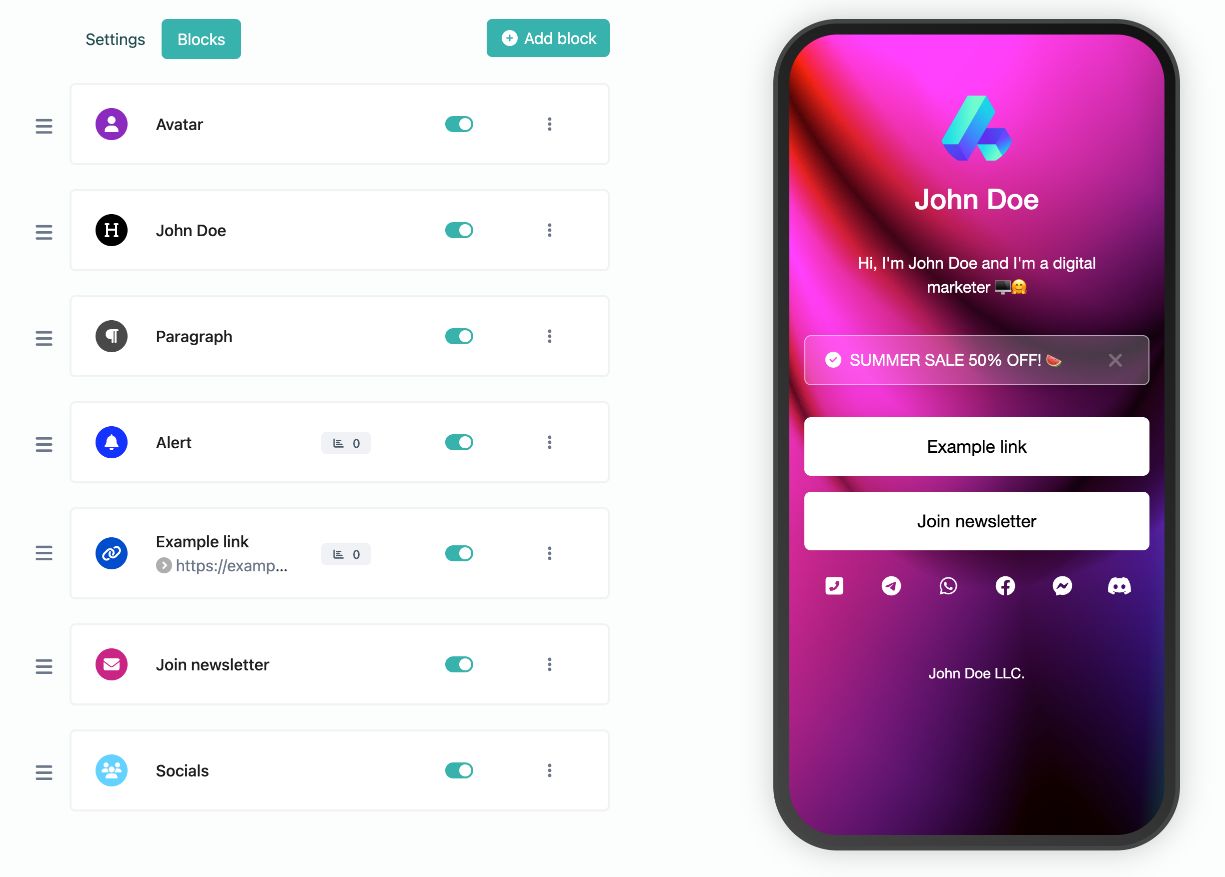
Online Audience Link
Create a customizable bio link page to increase conversions and growth. Customize branding, SEO, and add widgets!
Create Yours Now
Uptime Monitor
Monitor your services' uptime from any host. Free tool to ensure your station or website is always up!
See Tool